How to Use Your My Page at Arrive in Bloom — From Order History to Anniversary Reminders
The journey of each order, the places you send to often, the dates you must not miss — here is how to keep them all in one place on My Page.
花Arrive in Bloom · Flower Editor · June 22, 2026 · 5 min read
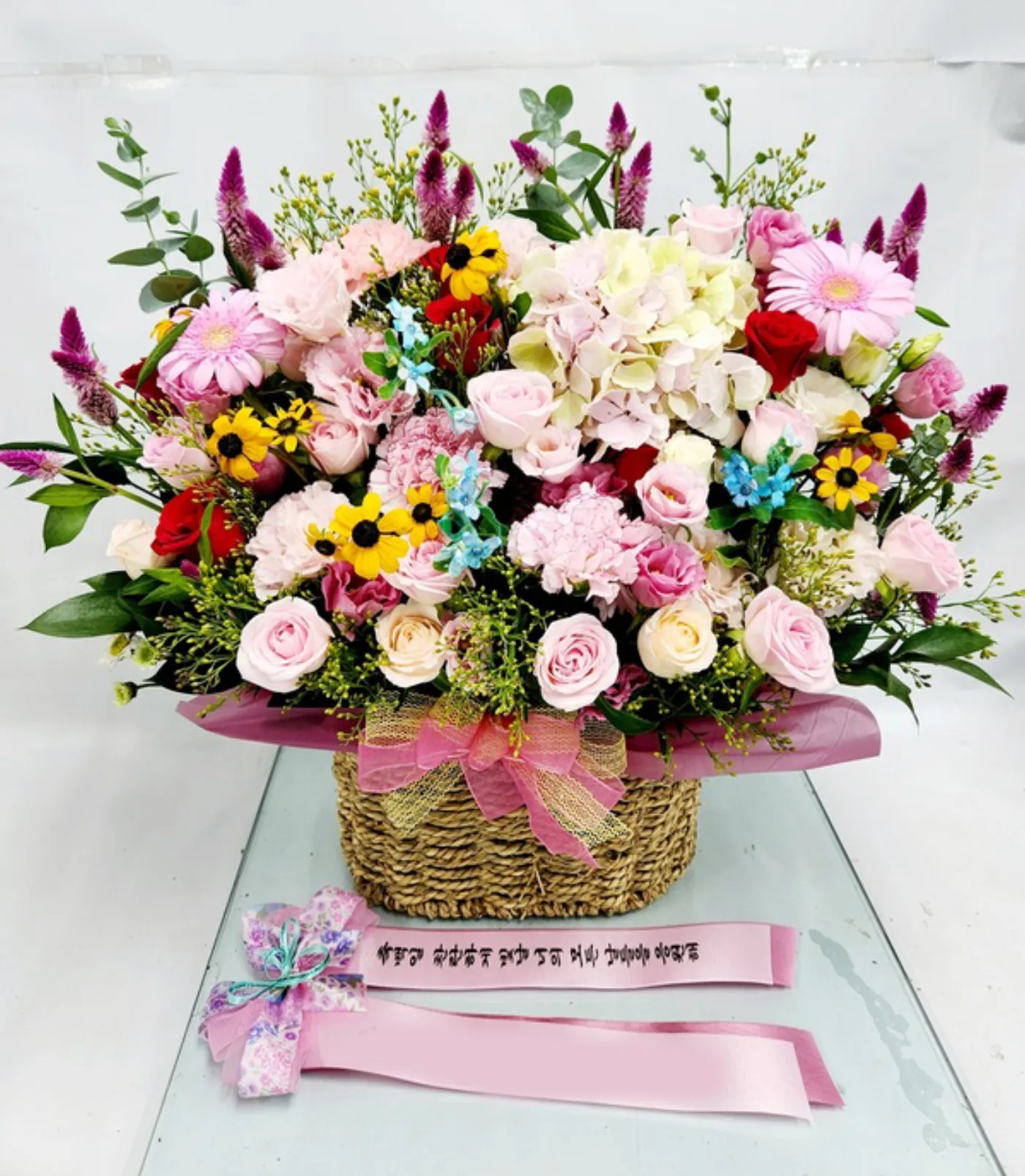
A real delivery photo by Arrive in Bloom (unstaged, unretouched)
Sending flowers is rarely a one-time thing. A parent's birthday comes around, a client's grand opening follows, and there are days when your flowers must reach a memorial hall right on time. The feeling is new each time, yet the addresses, the phone numbers, and the greetings tend to circle back to the same places. My Page at Arrive in Bloom is where we remember that repeated effort for you.
With a single sign-in, the journey of your past orders, the places you send to often, and the dates you must not miss all gather in one place. This is a guide for anyone opening My Page for the first time.
How to reach My Page
Tap Order Tracking in the top menu of the Arrive in Bloom home page (이름꽃.com), or sign in and choose My Page at the top. If it is your first visit, you can sign in easily with either Continue with Kakao or Continue with Google. There is no separate signup and no password.
Once you sign in, five tabs appear — My Orders, Profile, Address Book, Ribbon, and Reminders. Let's look at each in turn.
1. My Orders — your flowers' journey at a glance
This is the first screen you see. Your total number of orders and your total amount spent are summarized at the top, with your orders listed below from newest to oldest. No need to worry if you have many — you can search by order number, product name, or recipient.
Open any order and you can check the following.
Delivery status — step-by-step progress from received to payment, preparation, on the way, and delivered
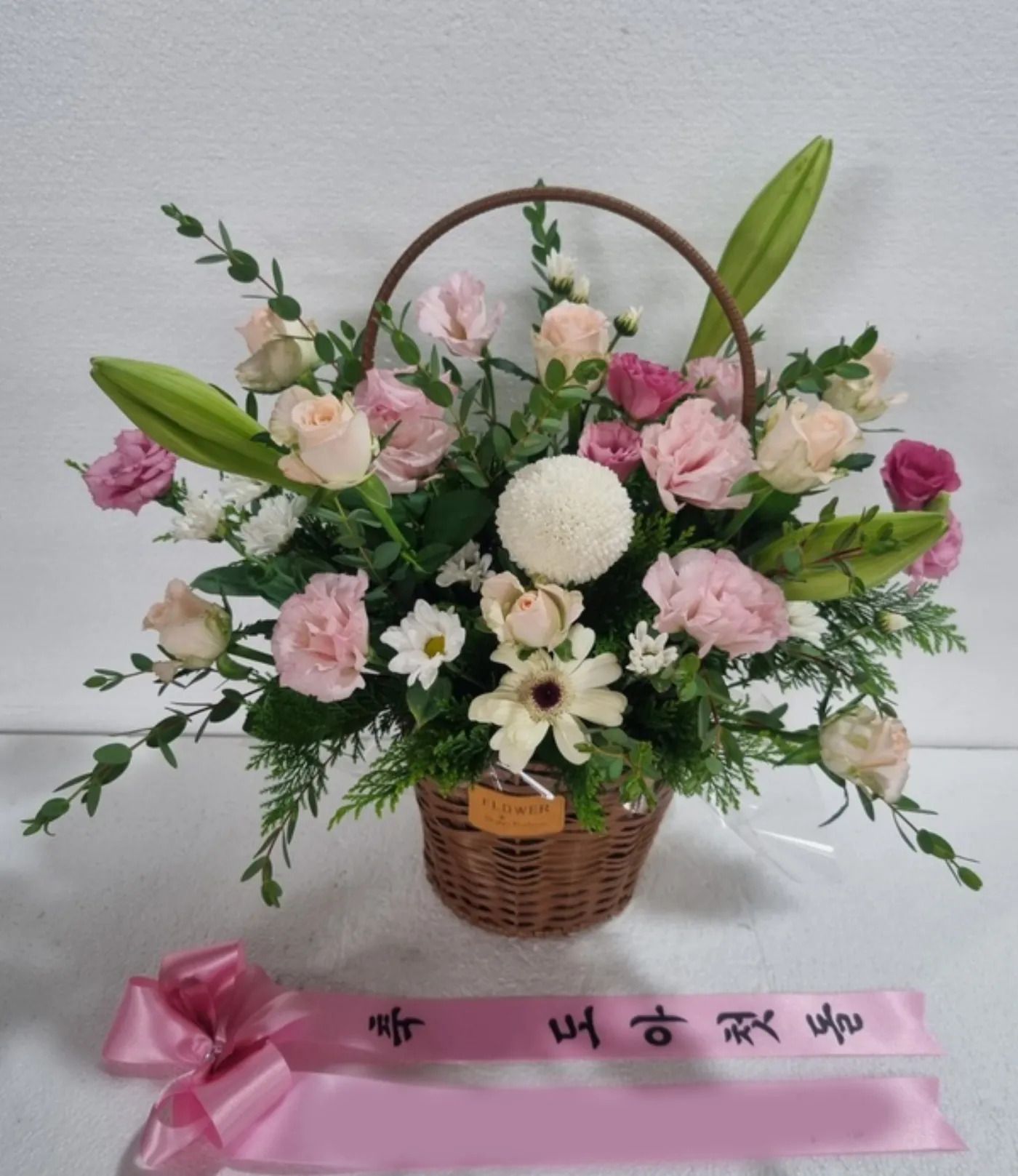
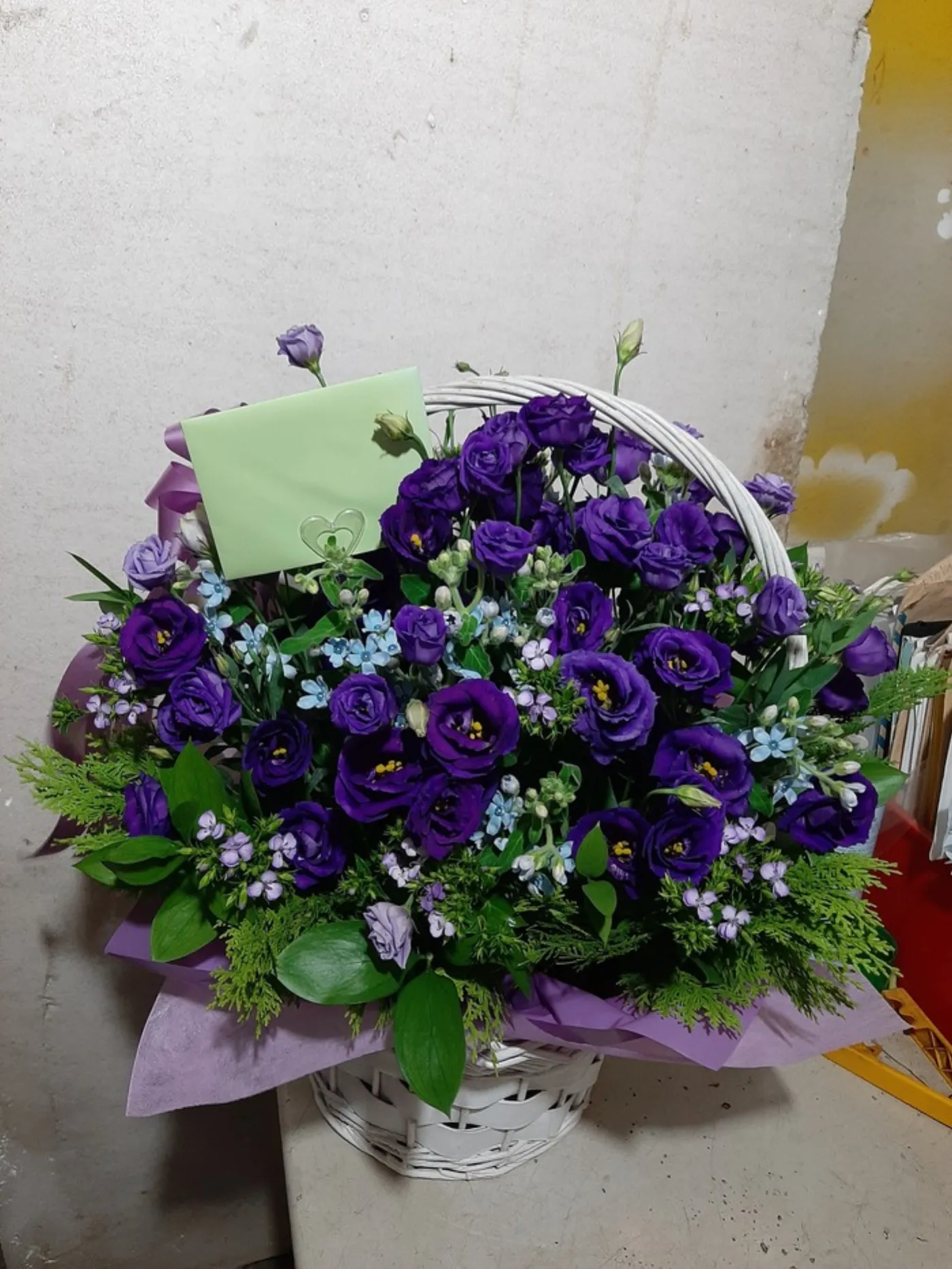
Delivery photo — once delivery is complete, the real photo taken on arrival, with no staging and no retouching, appears here
Reorder — when sending the same flowers to the same person, start a new order with the same details in one tap
Once delivery is complete, the real photo taken on arrival stays with the order (unstaged and unretouched).
If an order has not yet been paid for, a Pay now button appears on the order card. Credit-card orders are automatically canceled if payment is not completed by midnight on the day the order was placed, so you can use this button to finish paying right away.
2. Profile — write it once, and it fills in from then on
This is where you save your orderer name, phone number, and default delivery address. Once you enter them, your next order form fills in automatically. You won't have to retype the same information every time, which saves you precious minutes especially on a rushed order.
3. Address Book — keep the places you send to often
This tab saves the places you send to again and again — clients, the funeral halls or wedding halls you visit often. Along with the recipient's name, phone number, and address, you can add a relationship (category) and a memo, and you can save up to 50 recipients.
Once saved, you can load a recipient in one tap at checkout. Since you no longer copy out the address by hand each time, it also works as a safeguard against misdelivery on a busy day.
4. Ribbon — a single line that carries your heart
This tab is where you prepare in advance the ribbon messages that hang on wreaths and flower baskets. At Arrive in Bloom, the ribbon is written in two parts — the left side (a greeting to the recipient) and the right side (the sender). You can refer to suggested phrases for occasions such as openings, weddings, and condolences, and you can save the ones you use often (up to 30) to select them directly on the order form.
5. Reminders — so you never forget
This tab is where you register the days you would hate to miss, such as birthdays and wedding anniversaries. Two days before the anniversary, we send a reminder to the email you registered. Both the solar and lunar calendars are supported, so you can keep track of lunar-calendar birthdays too, and you can register up to 20 dates.
Our hearts stay in the same place, but the dates keep racing ahead of us.
If you are not a member
You can check an order even without signing in. From Order Tracking at the top of the home page, you can view the delivery status and the delivery photo by order number. To save information, however — such as your address book, ribbon messages, and reminders — you will need to sign in with Kakao or Google first.
The more often you send flowers, the more My Page becomes a small assistant of your own. Set it up once, and conveying your next heartfelt message becomes that much lighter. Arrive in Bloom is here to help that feeling arrive on time, at exactly the right place, with same-day nationwide delivery.
📷Real, unretouched delivery photosNo staging or compositing — the flowers exactly as we sent them
🚚Same-day delivery across KoreaOrder before the regional cutoff and it arrives today
🌷Direct from the wholesale marketDawn-auction flowers, trimmed and shipped the same day
🕐24/7 orderingFor the feelings that arrive at dawn, too
Tap Order Tracking or My Page at the top of the home screen, then sign in with either Continue with Kakao or Continue with Google. There is no separate signup and no password to remember.
Can I check an order without signing in?
Yes. Even without signing in, you can use Order Tracking at the top of the home page to view the delivery status and the delivery photo by order number. To save an address book, ribbon messages, or anniversary reminders, however, you will need to sign in.
When do anniversary reminders arrive?
We send a reminder to the email you registered two days before each anniversary saved in the Reminders tab. Both the solar and lunar calendars are supported, and you can save up to 20 dates.
Where can I see the delivery photo?
Open the order in My Orders, and you will find the real photo taken on arrival after delivery is complete — unstaged and unretouched.
How do I send to the same person again?
Tap the Reorder button in My Orders to quickly start a new order with the same details. Saving the recipient to your Address Book makes it even easier.
ARRIVE IN BLOOM
Take a moment to set up your My Page
Sign in with Kakao or Google and you can save your address book, ribbon messages, and anniversary reminders ahead of time. Sending flowers next time becomes that much lighter. Let your heart arrive with same-day nationwide delivery at 이름꽃.com.
Each dawn we choose the day's flowers at the wholesale market and watch them leave for every corner of Korea. We write about the names and seasons of flowers, and the hearts they reach. — Arrive in Bloom
References
· Arrive in Bloom My Page (flowername.co.kr/my)
· Arrive in Bloom Order Tracking (flowername.co.kr/track)
· Arrive in Bloom Customer Center 1666-6584
Published June 22, 2026 · by Arrive in Bloom · Flower Editor